


CacheCue
A macOS menu bar app that tells you when to /compact. It watches your prompt cache, your context size and your rate limits, says whether now is a good moment and why, and shows what letting the cache go cold would cost.
Free · MIT license · macOS 13 or later · Apple silicon and Intel
Why the timing matters
Claude Code re-sends your whole conversation with every request. Prompt caching makes that cheap, as long as the cache is warm.
Compact while the cache is warm and it costs a fraction of the context size. Compact after it has expired and the whole history is reprocessed at full price.
What it does
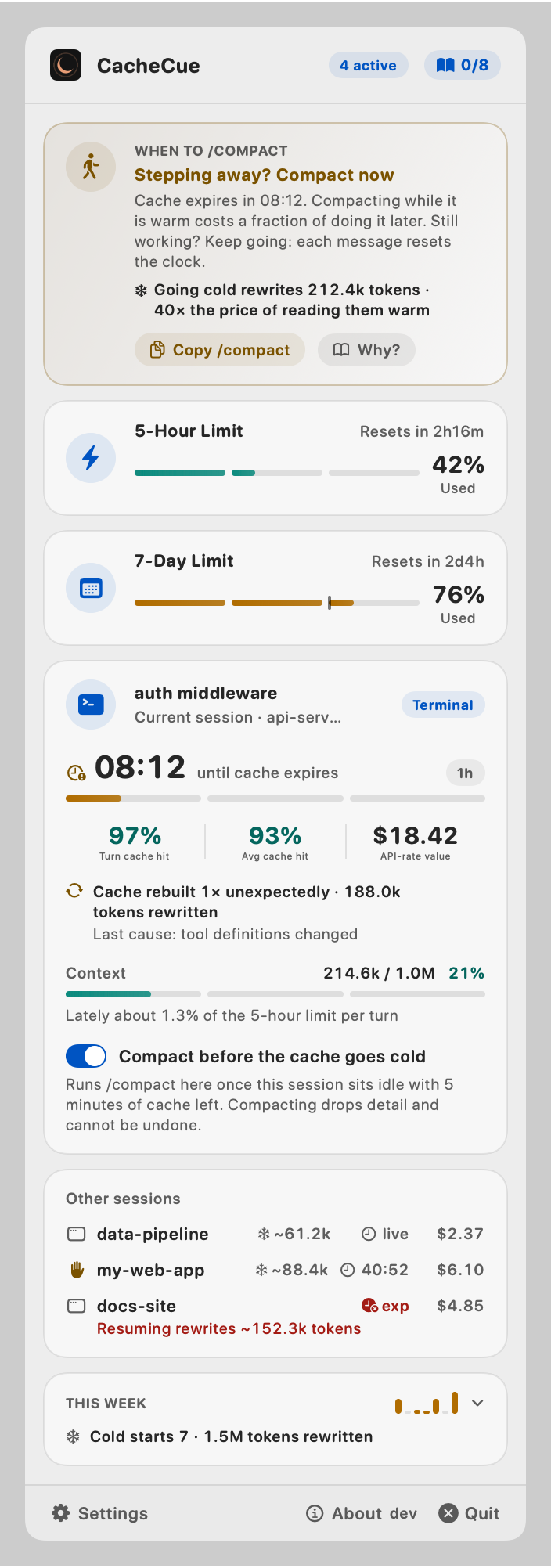
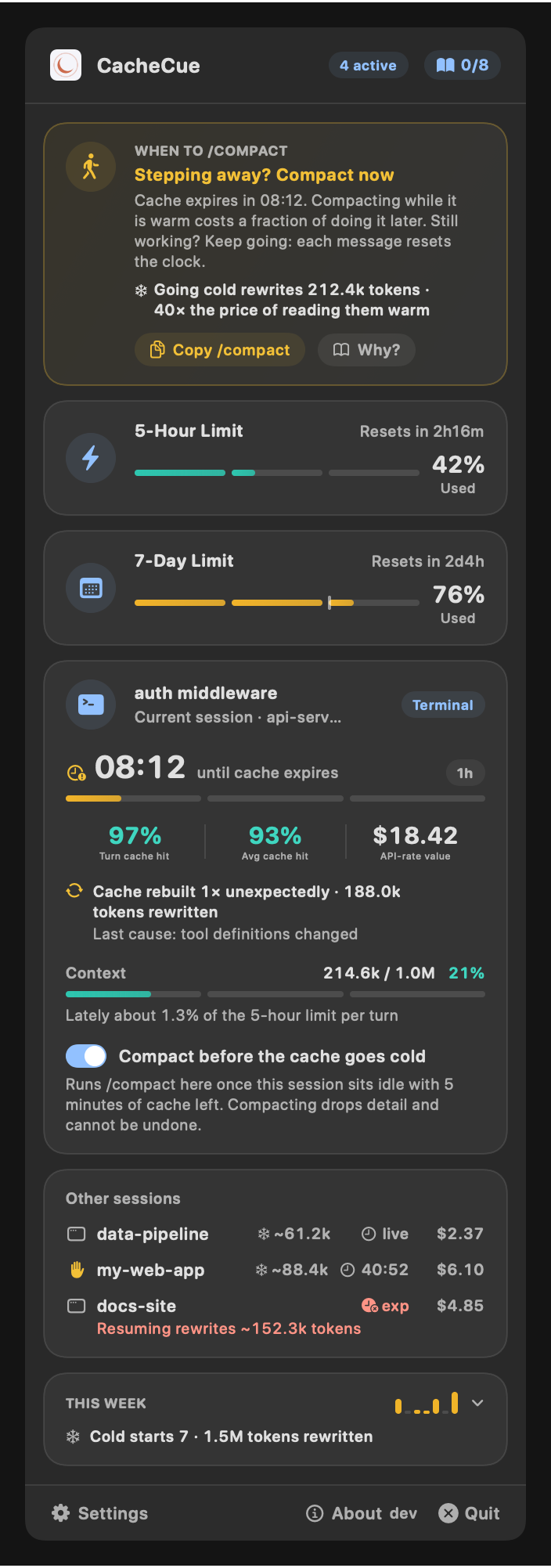
Tells you when to /compact
One line of advice and the reason for it: between tasks, before the cache expires, or not at all. A button copies /compact for you.
Cache countdown in the menu bar
The time left before the session's prompt cache expires, measured against its real lifetime (five minutes or an hour), with gauges for the 5-hour and 7-day limits beside it and a dot when a session is waiting for you.
What a cold cache costs
How many tokens your next message would rewrite and at what multiple of the warm price, the pace your limits are going at, and a weekly ledger of cold starts and rebuilds.
Warns you, or compacts for you
An optional notification before a cache goes cold. Or let CacheCue run /compact in a session you choose, five minutes before its cache expires. Both are off until you turn them on.
A short course in spending fewer tokens
Eight lessons drawn from Anthropic's documentation, built into the app in 20 languages.
Terminal and desktop
One press of Connect for terminal sessions, another for the Claude desktop app. A status line you already use keeps running behind it. CacheCue adds nothing to Claude Code's own window: every figure stays in the menu bar.
Private by design
No credentials, no transcripts. CacheCue only uses the figures Claude Code hands to a status line command or a plugin.
The network is used for two things only: checking for updates, which you can turn off, and support tickets you choose to send.
The weekly ledger is worked out from totals kept in a file on your Mac for thirty days and never sent anywhere. CacheCue does nothing on your behalf unless you switch on compacting for a session.
Install
- 01Download CacheCue.dmg and drag CacheCue to Applications.
- 02Open it. It lives in the menu bar and has no Dock icon.
- 03Click the menu bar item and press Connect for the terminal, the Claude desktop app, or both.